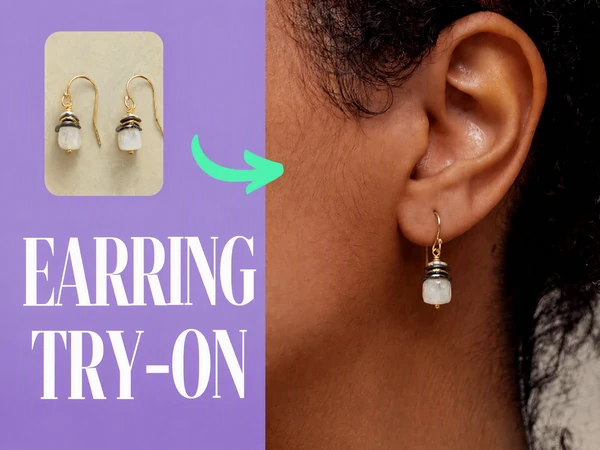
AI Earrings Try-On Tutorial: Create Realistic Model Photos
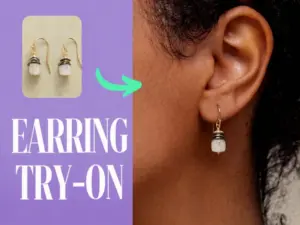
Learn how to use an AI earrings try-on tool to create realistic model photos, set accurate jewelry size, choose reference images, and improve results.
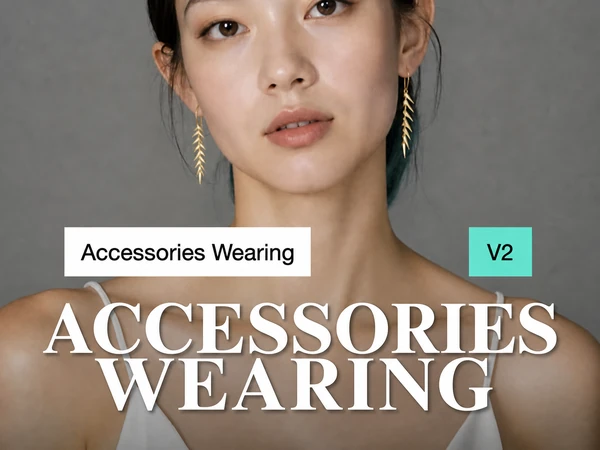
Explore step-by-step tutorials for AI product images, jewelry and glasses try-on, ecommerce visuals, image retouching, fashion, wigs, and more.
Learn how to use an AI earrings try-on tool to create realistic model photos, set accurate jewelry size, choose reference images, and improve results.
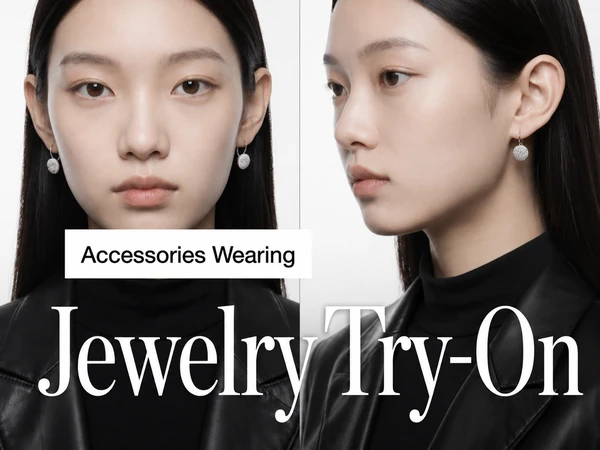
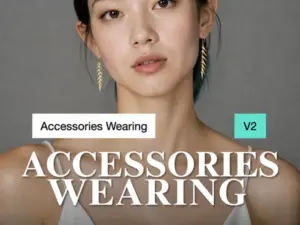
Learn how to use Jewelry AI Try-On Tool v2, why multiple jewelry images are worn together instead of treated as batch mode, and how to create better mini earring try-on images.
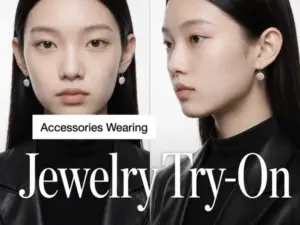
Learn how to create four consistent jewelry try-on images with AI. Upload product and model photos, use Set mode, and batch-process multiple pieces.
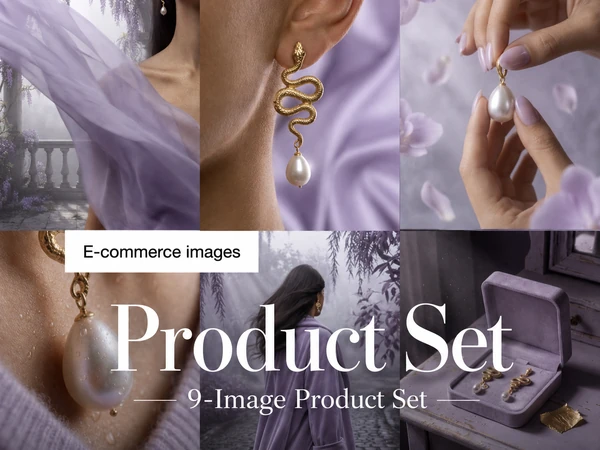
Learn how to use the AI 9-piece e-commerce image set generator, including the required main product photo, optional reference images, and SEO-friendly tips for creating stable product visuals.
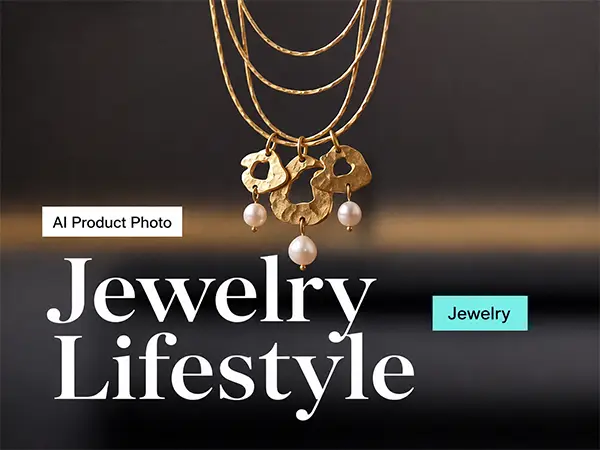
Learn how to use the AI Jewelry Lifestyle Photo Tool to replace products in reference images and generate jewelry lifestyle photos in batches.
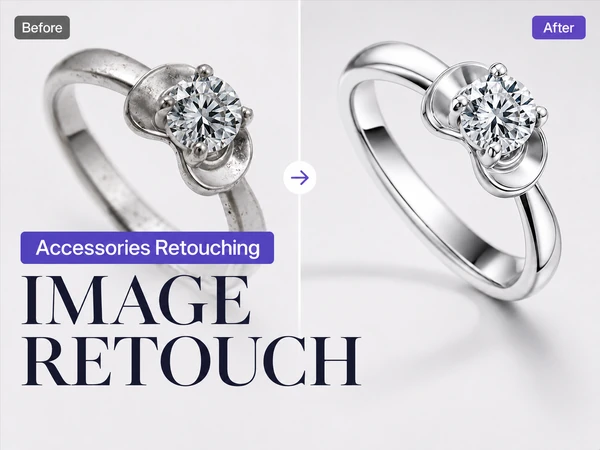
Learn how to use TheMiniTech AI image retouching tool for jewelry and e-commerce product photos, including retouching strength, prompts, dust removal, clay removal, white background, and clarity enhancement.
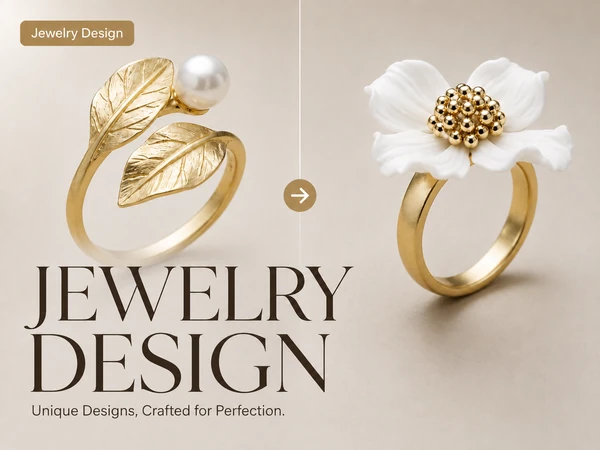
Learn how to use the AI jewelry design tool, including the required main reference image, optional supplementary images, batch mode rules, prompt writing tips, and e-commerce use cases.
Learn how to use AI Custom Mode for face blending, object removal, outfit changes, pose editing, and virtual try-ons with effective prompt examples.
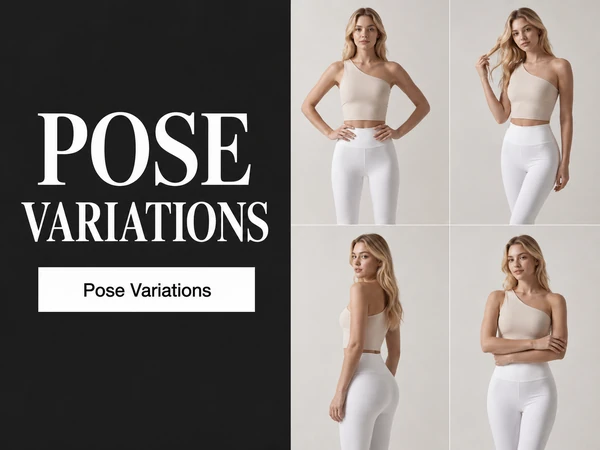
Learn how to use the AI Multi-Pose Generator to create 4 different pose images from one person photo, including upload requirements, aspect ratio settings, generation steps, and tips for better results.
Put these tutorials into practice with TheMiniTech AI image tools.
Explore AI Tools