AI Jewelry Lifestyle Photo Tool: Step-by-Step Tutorial
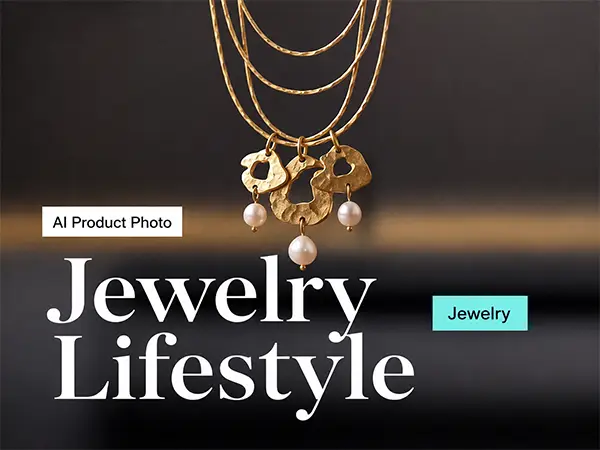
Learn how to use the AI Jewelry Lifestyle Photo Tool to replace products in reference images and generate jewelry lifestyle photos in batches.
Explore step-by-step tutorials for AI product images, jewelry and glasses try-on, ecommerce visuals, image retouching, fashion, wigs, and more.
Learn how to use the AI Jewelry Lifestyle Photo Tool to replace products in reference images and generate jewelry lifestyle photos in batches.
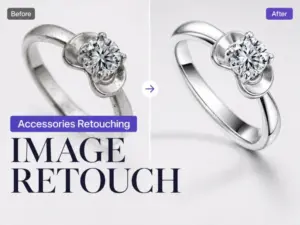
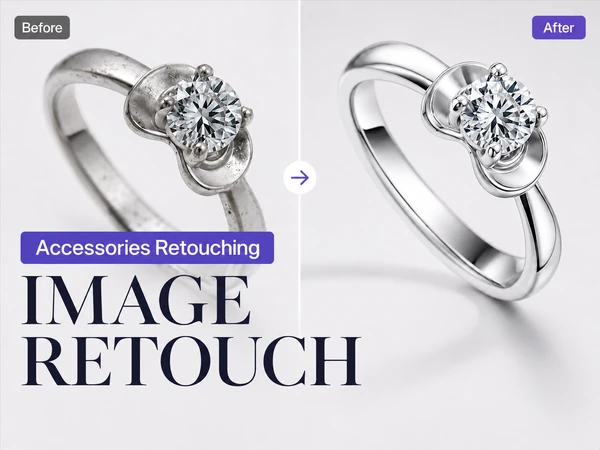
Learn how to use TheMiniTech AI image retouching tool for jewelry and e-commerce product photos, including retouching strength, prompts, dust removal, clay removal, white background, and clarity enhancement.
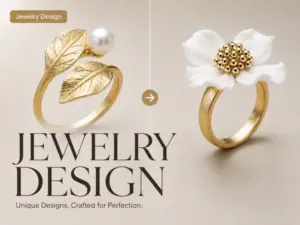
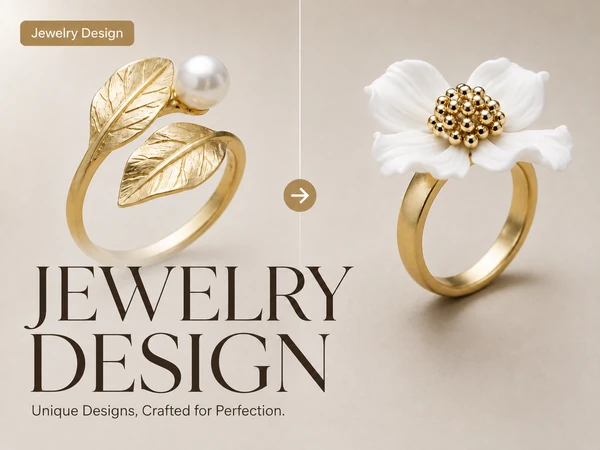
Learn how to use the AI jewelry design tool, including the required main reference image, optional supplementary images, batch mode rules, prompt writing tips, and e-commerce use cases.
Learn how to use AI Custom Mode for face blending, object removal, outfit changes, pose editing, and virtual try-ons with effective prompt examples.
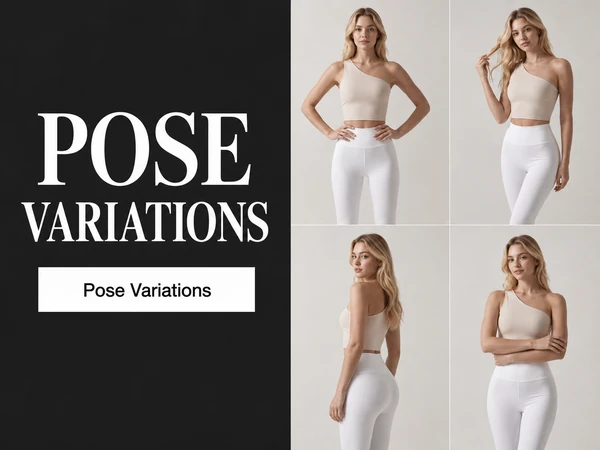
Learn how to use the AI Multi-Pose Generator to create 4 different pose images from one person photo, including upload requirements, aspect ratio settings, generation steps, and tips for better results.
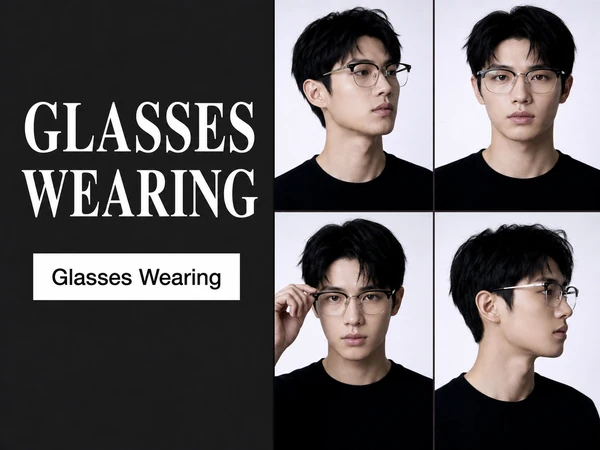
Learn how to use TheMiniTech AI glasses try-on tool to create realistic virtual eyewear model images, including glasses upload requirements, optional model images, prompt tips, supported formats, and saving notes.
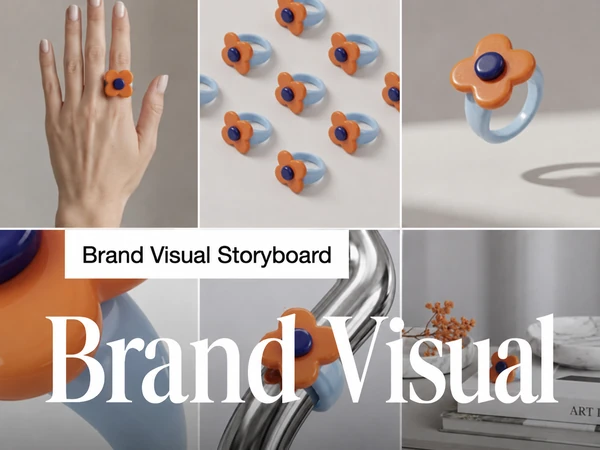
Learn how to use the AI Brand Visual Storyboard tool to generate clean, premium e-commerce product visuals, brand story images, social media assets, and design-focused product marketing materials.
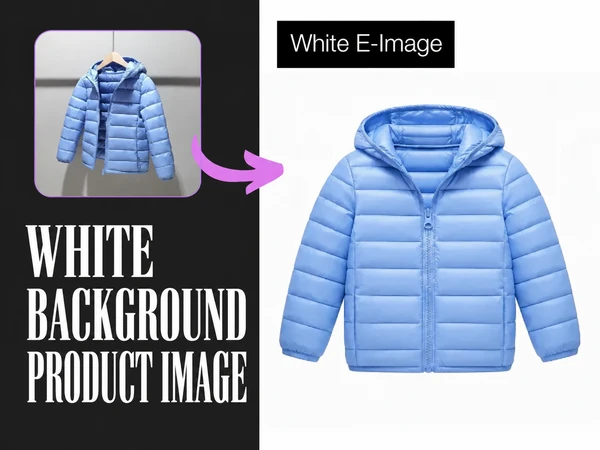
This AI e-commerce white background image generator tutorial introduces how to upload product images, select output sizes, and batch generate professional white background images, suitable for clothing, accessories, home decor, digital, and other e-commerce products.
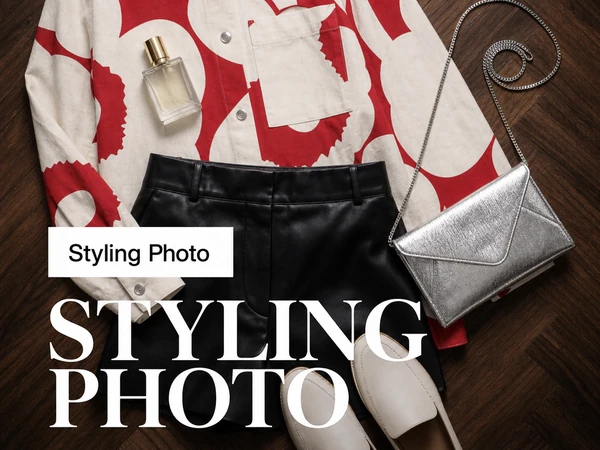
Learn how to use the AI OOTD image replication tool to generate Xiaohongshu-style fashion outfit notes, including style layout references, product material images, upload methods, and tips for better e-commerce visuals.
Put these tutorials into practice with TheMiniTech AI image tools.
Explore AI Tools